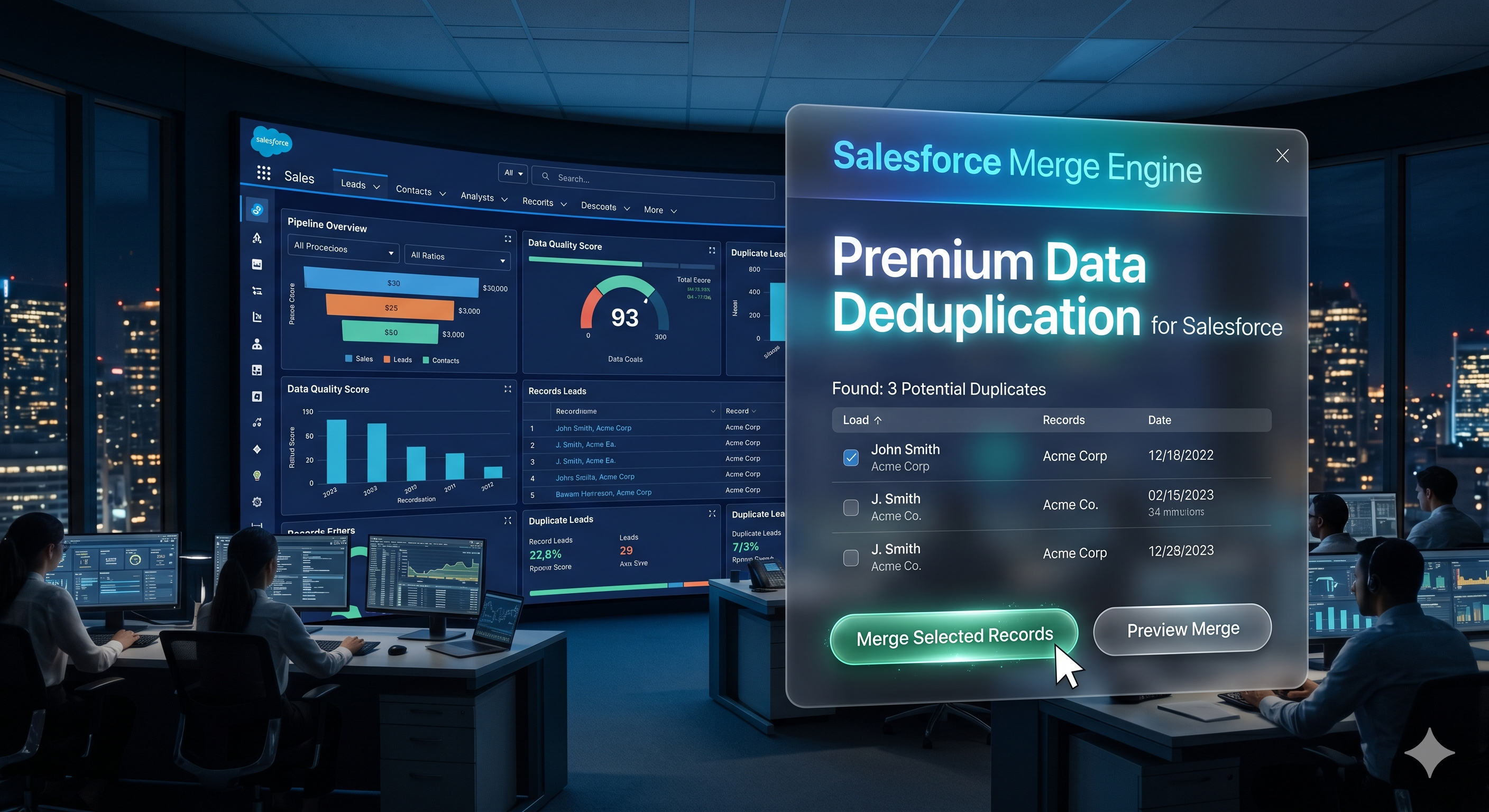
Stop losing deals to duplicate contacts, leads, and accounts. Merge Nexa finds and removes duplicates from Salesforce automatically — no coding required.
No technical knowledge needed. If you can click a button, you can merge records.
Built specifically for Salesforce Admins and Operations teams who need results, not complexity.
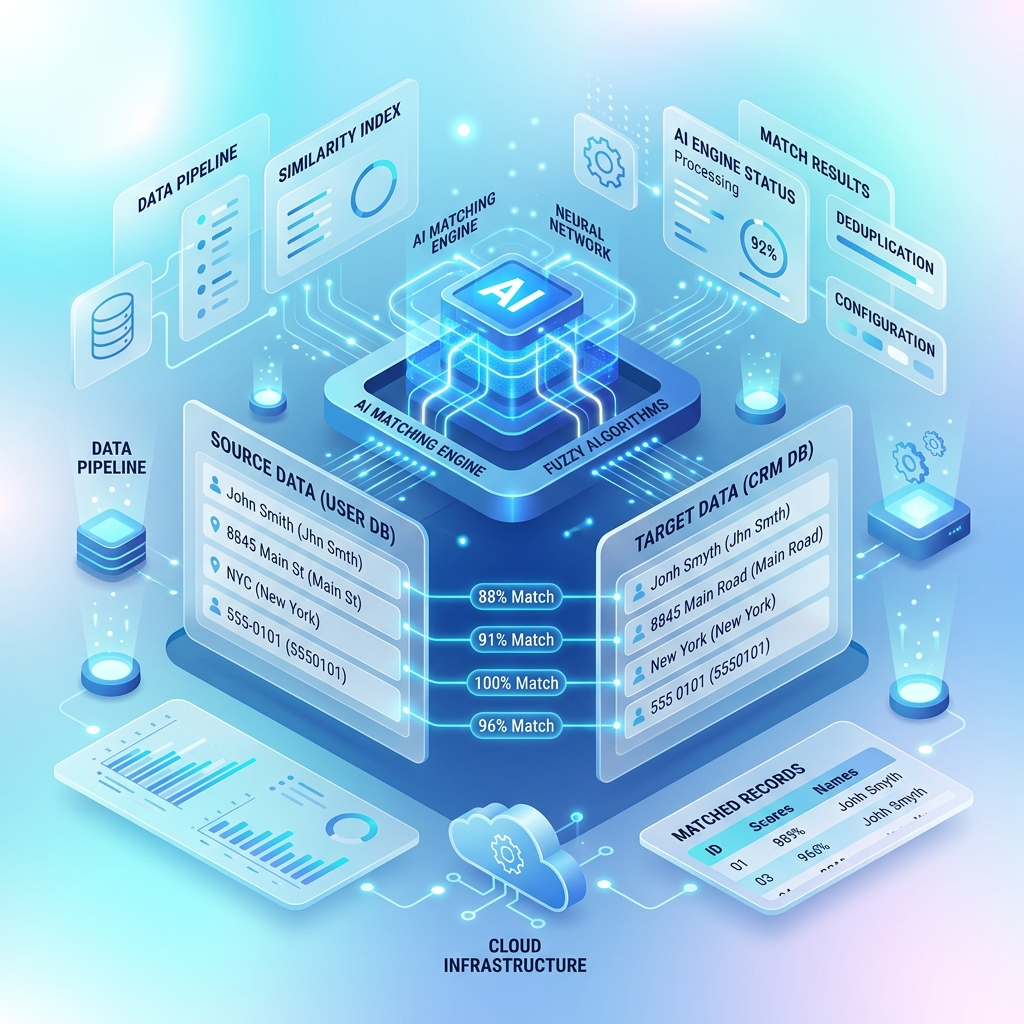
Our AI uses fuzzy logic to find near-matches that exact search would miss. "John Smith" and "J. Smith" at the same company — detected automatically.
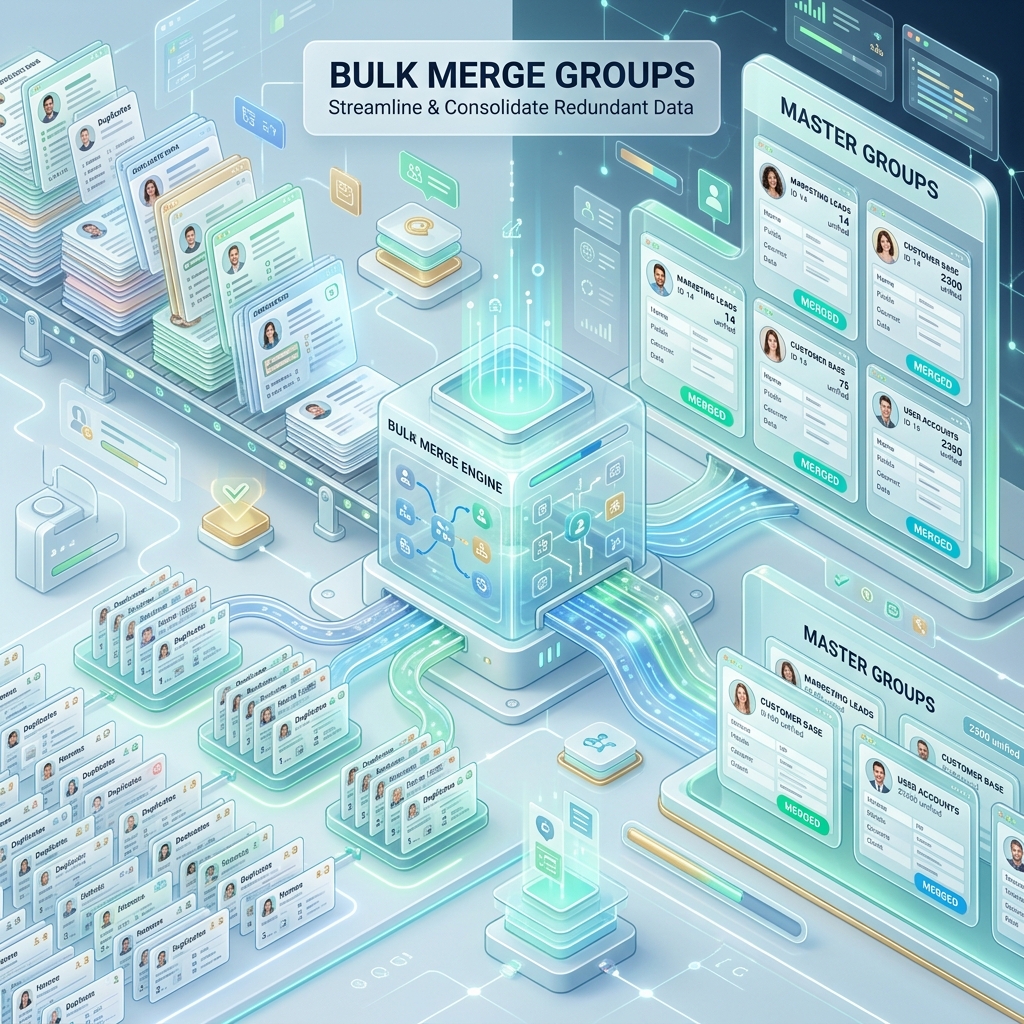
Don't just merge one at a time. Review and approve multiple duplicate groups at once, then merge them all in a single click. Thousands of records, minutes not hours.
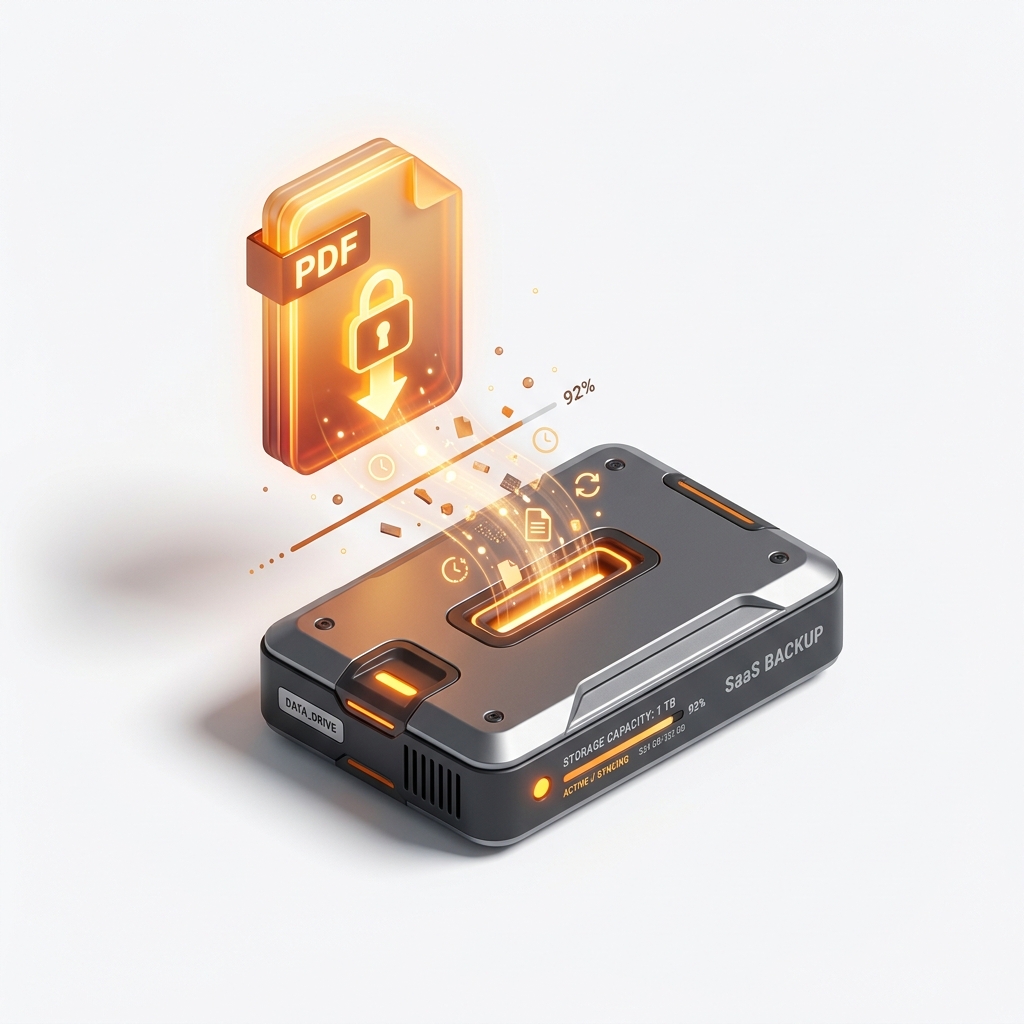
Nervous about losing data? Export a full backup to Excel/CSV before any merge happens. One click safety net — always there, always free.
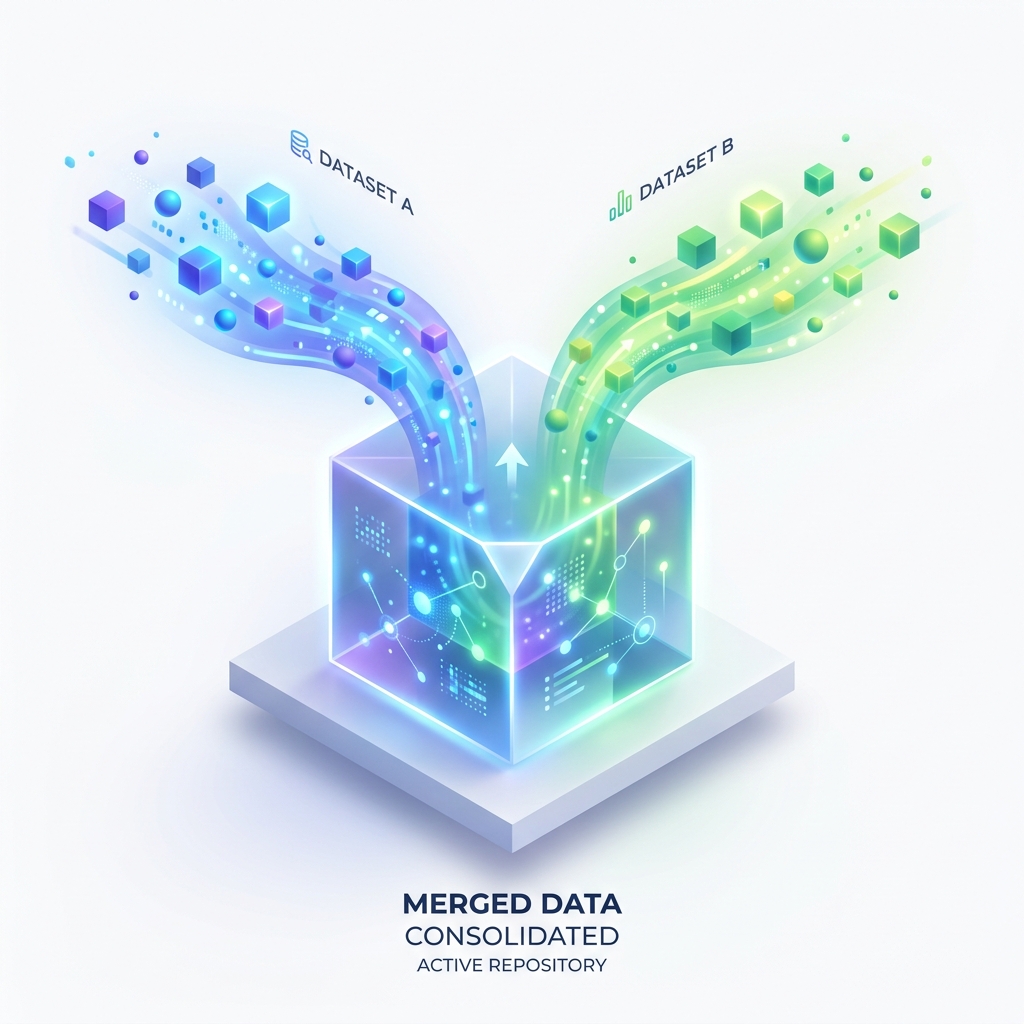
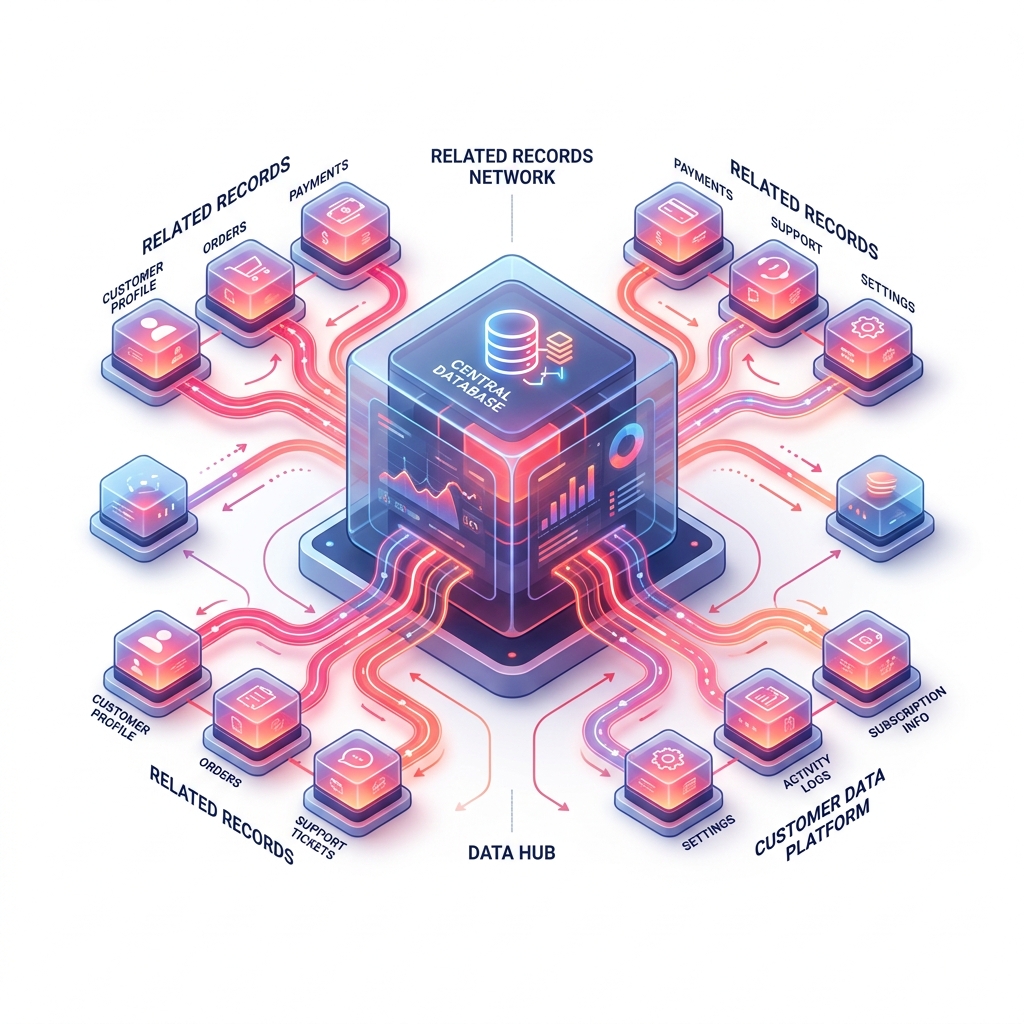
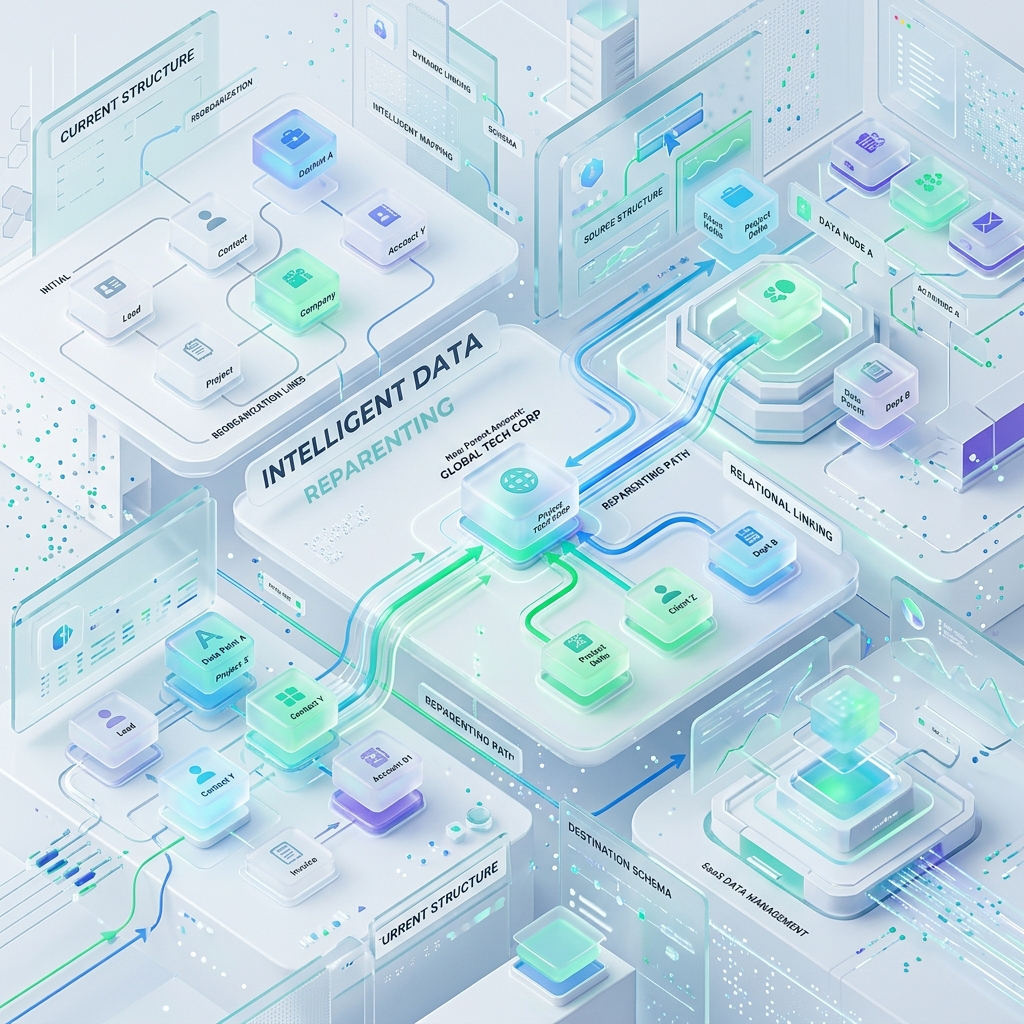
When you merge two Accounts, all their related Contacts, Opportunities, Cases, and more automatically move to the surviving record. Nothing is orphaned.
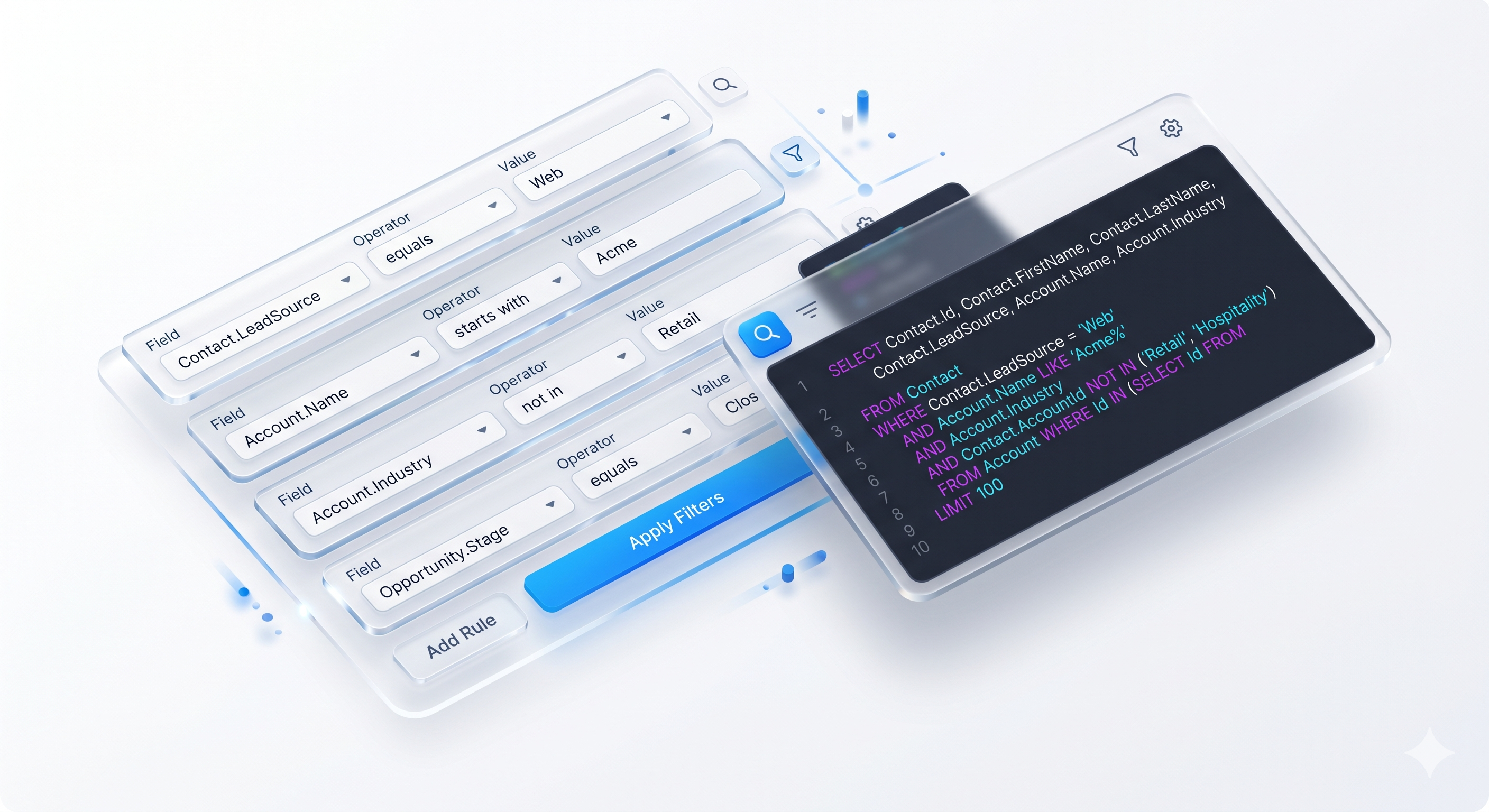
Go beyond AI — build precise filters using any field, any operator. Filter by industry, region, record owner, date range, or any combination. The auto-generated SOQL shows exactly what's being searched.
Experience a professional-grade interface that makes complex data operations feel effortless.
Smarter matching. Cleaner data. Confident merges. Our AI understands nuances, typos, and variations to find duplicates you'd normally miss.
Operates seamlessly within your existing Salesforce environment. Configure matching rules using an intuitive, Einstein-powered interface.
Process thousands of records with ease. Stay productive while we work securely in the background. No more waiting for manual merges.
Merge with intelligence. Re-parent with precision. Keep your data model clean without losing any critical related historical records.
Traditional duplicate rules only catch exact matches. Our AI understands that "Microsoft Corp", "Microsoft Corporation", and "MSFT" are the same company.
Merge Nexa is a 100% native Salesforce managed package. We never send your data to external servers. Your IT team will love it.
No external servers, no third-party storage, no data leaving your org. Everything runs inside your Salesforce environment using Apex code.
Installed through AppExchange as a managed package, reviewed and approved by Salesforce's security team before publication.
Every action respects your Salesforce profiles, permission sets, and field-level security. Users can only see and merge what they're permitted to.
We never auto-merge. You see a clear confirmation dialog showing exactly what will be deleted before anything happens. No surprises.
Always export a backup before merging. If something looks wrong, restore from your CSV. Your data safety is our top priority.
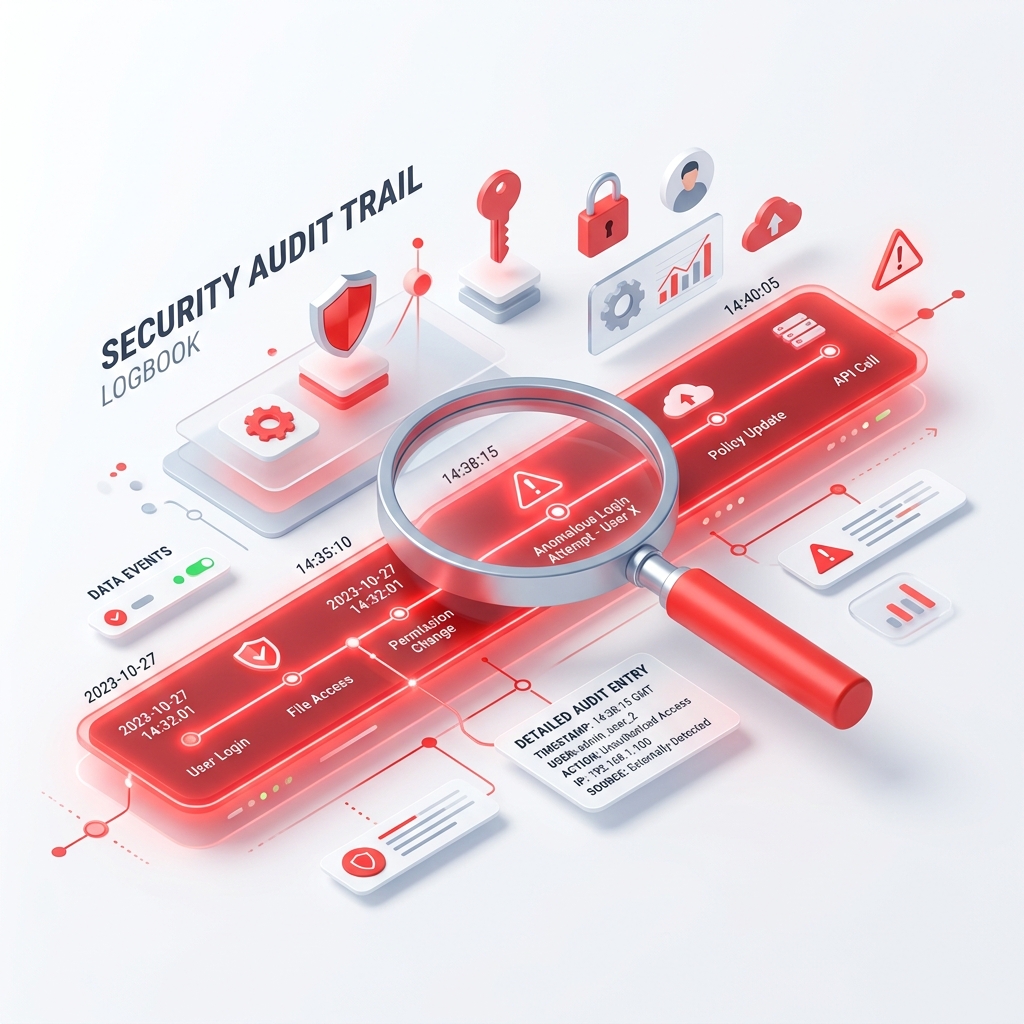
All merge actions are performed via standard Salesforce APIs. Salesforce's own Audit Trail records every merge, giving your compliance team full visibility.
We had 12,000 duplicate contacts built up over 5 years. Merge Nexa cleaned them all up in one afternoon. The AI matching is genuinely impressive — it caught things we never would have found manually.
The email domain grouping feature alone saved us. We found 800 contacts from the same company entered under slightly different emails. The bulk merge was incredible — one click, done.
Our sales team was calling the same leads twice every week. Embarrassing. Merge Nexa fixed it in a day. The CSV backup feature gave our compliance team the confidence to let us proceed.
Available as a managed package on Salesforce AppExchange. Install in minutes, no credit card required to try.
No jargon, straight answers.
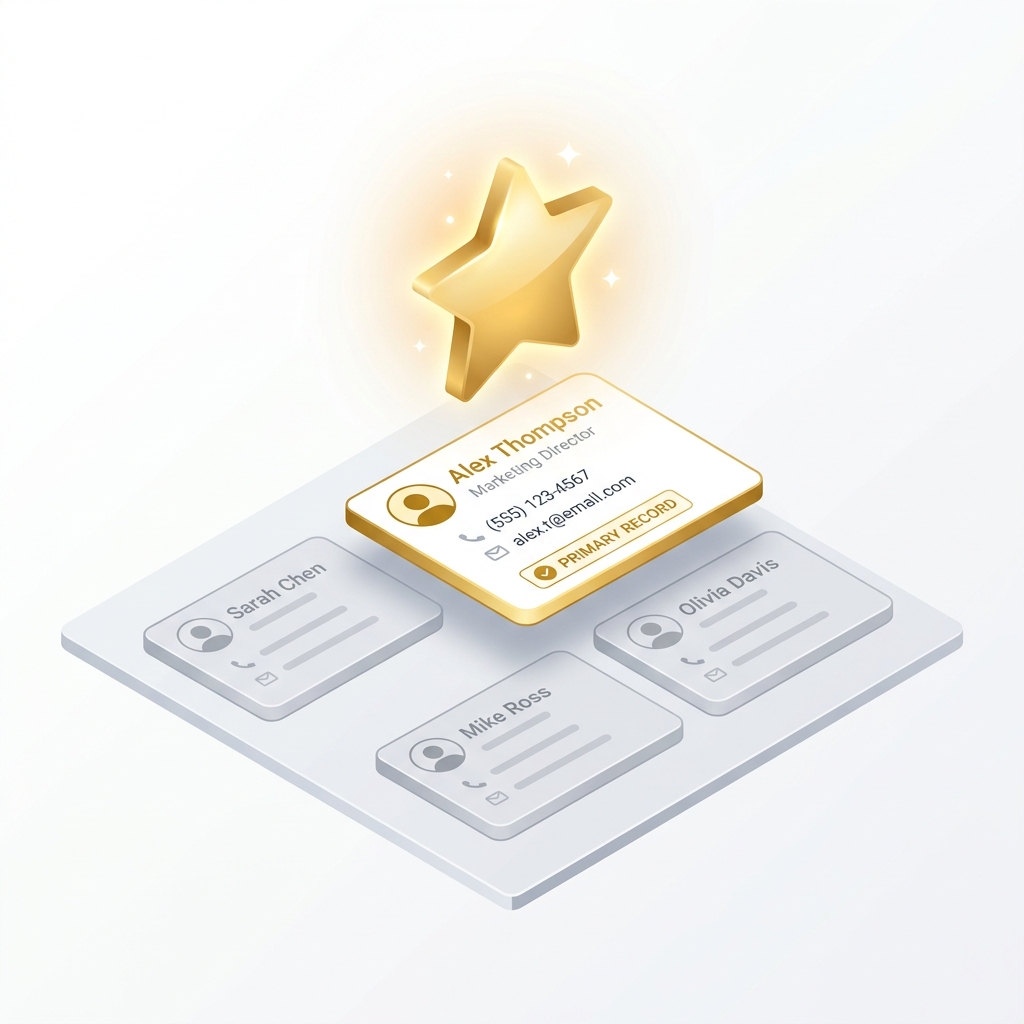
No. You always choose which record is the "primary" — the one that survives. You can also export a CSV backup before anything is deleted, so you always have a safety net. We show you a full preview of exactly what will be merged before you confirm.
Yes. Merge Nexa works with any Salesforce object — standard objects like Contact, Lead, and Account, as well as any custom objects you've created. Standard objects use the native Salesforce merge API. Other objects use a smart re-parent-and-delete method.
All related records (Opportunities, Cases, Activities, custom child records) are automatically moved to the primary record before deletion. Nothing is orphaned or lost.
Absolutely not. Merge Nexa is 100% native Salesforce — it runs entirely inside your Salesforce org using Apex code. No data is ever sent to external servers.
About 5 minutes. Install the managed package from AppExchange, assign the necessary permissions, and you're ready to start merging. No code, no configuration files, no consultants required.
We strongly recommend using the CSV export before every merge session — this creates a backup you can reference. Once records are merged in Salesforce, they cannot be automatically undone. However, with your CSV backup, your admin can manually restore records if needed.
Join 500+ Salesforce teams who've already eliminated their duplicate records problem for good.
Get Merge Nexa Free on AppExchange →